
Information model
Prepare a signal list covering measurements, equipment states, alarms and commands. Record units, scaling, update expectations and the owner of each item.
Turn measurements into an operating picture.
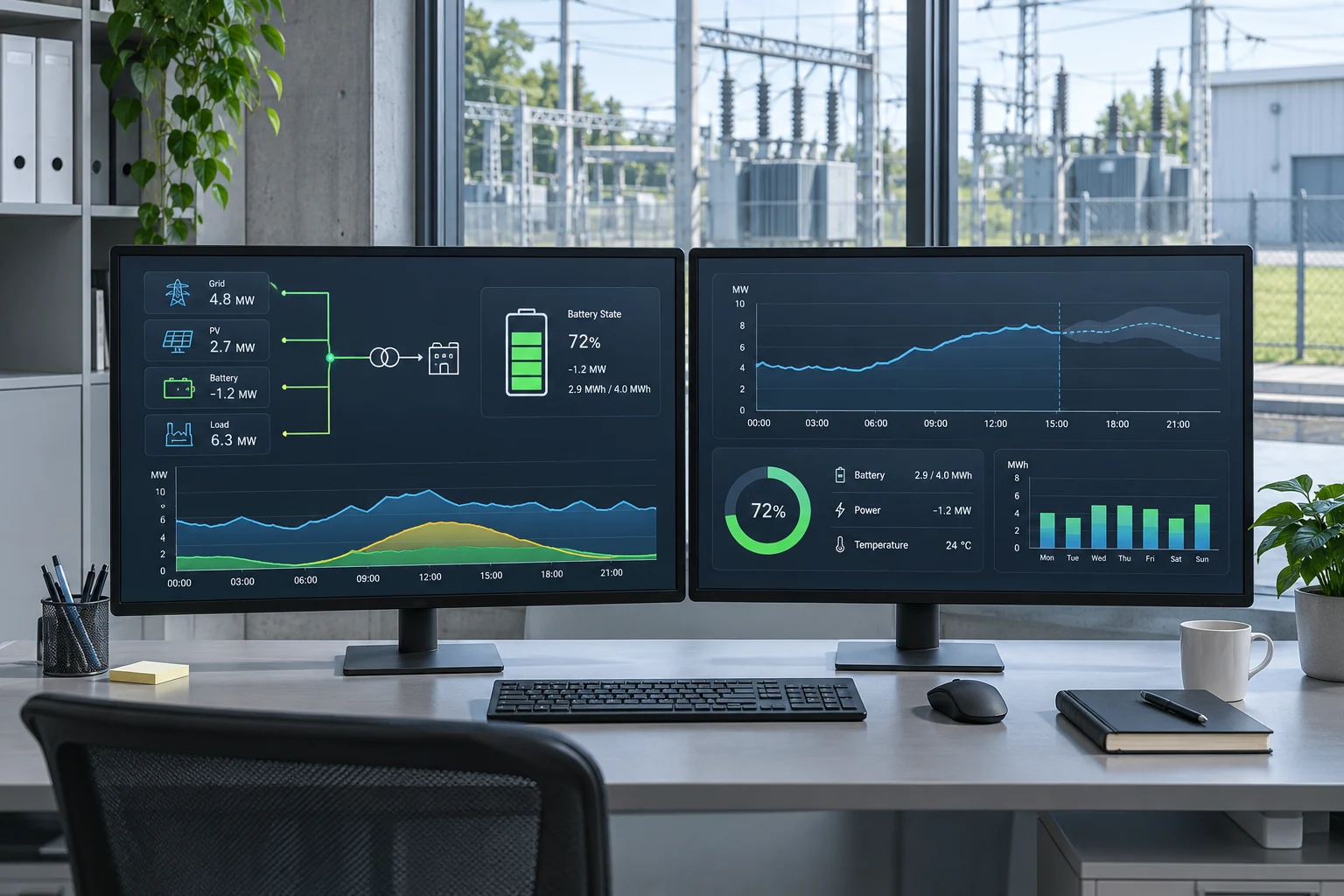
An energy management interface brings site measurements, equipment status and operating commands into a coordinated view. Its usefulness depends on the quality of the underlying information: clear measurement boundaries, consistent units and a known source for every signal.
For storage and distributed energy applications, integration must distinguish supervisory scheduling from equipment protection. The control design needs to make clear which device can issue a command, which limits take precedence and how the system behaves when communication is unavailable.
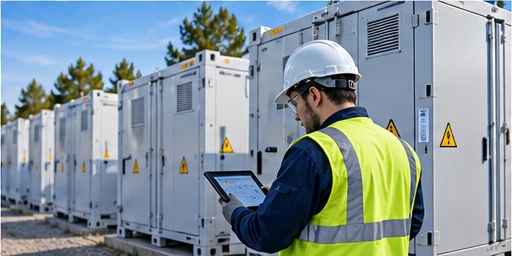
Prepare a signal list covering measurements, equipment states, alarms and commands. Record units, scaling, update expectations and the owner of each item.
Coordinate meters, battery BMS, conversion equipment and site supervision. Confirm available communication methods against the actual equipment documentation.
Describe local and remote operating modes, command permissions and fallback behaviour. Test communication failures and alarm recovery as part of the agreed commissioning scope.
| Design input | What to coordinate |
|---|---|
| Measurements | Meter locations, units, scaling and time references |
| Data exchange | Protocol availability, addressing and signal mapping |
| Command ownership | Mode selection, permissions and operating limits |
| Evidence | Point tests, alarm records and approved settings |
Define what operators need to see and control.
Map each signal to its equipment source.
Verify values, units and command permissions.
Preserve settings and integration test records.